Node type browser_goBack
Navigate back in the current tab's history.
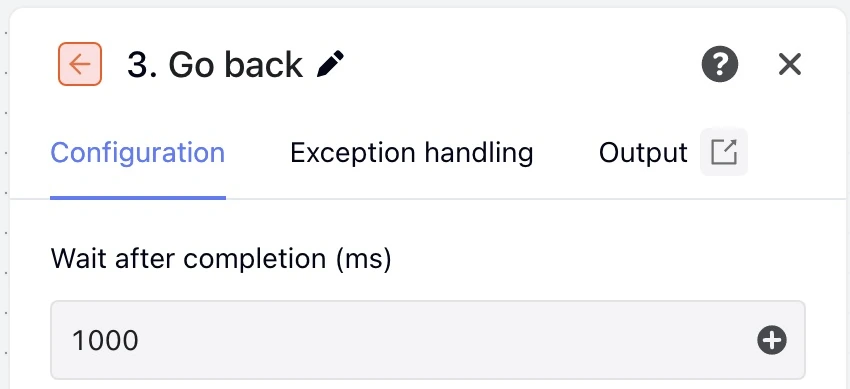
Captured in the English interface of MoreLogin Desktop V2.73.101.
These fields belong in data.browserUi.inputs.
| Field | Type or values | Schema required | Execution default | Description and bounds |
|---|---|---|---|---|
postWaitMs | WorkflowNumber | No | 1000 | Wait after completion (ms); minimum after resolution: 0. Editor initial value 1000 |
- There are no additional mode branches. Field structure and ranges must still satisfy inputSchema.
- Validation code
RPA_NODE_INPUT_INVALID
| Field | Allowed forms |
|---|---|
postWaitMs | literal, numericExpression |
| Output field | Type or values |
|---|---|
tabId | string |
httpStatus | number / null |
previousUrl | string |
url | string |
title | string |
didNavigate | boolean |
Reference published fields as ${nodeId.data.field}.
A complete node object for a workflow's nodes array or another node's blocks.
{
  "id": "go_back",
  "type": "browser_goBack",
  "data": {
    "title": "Return to the search results",
    "browserAction": "goBack",
    "browserUi": {
      "inputs": {
        "postWaitMs": 1000
      },
      "exception": {
        "timeout": 30000,
        "policy": "interrupt"
      }
    }
  }
}